
E-commerce
Product Hook UGC
Create a 9:16 AI UGC video generator ad for a skincare product. Open with a creator-style hook, show the product in hand, explain one key benefit, and end with a clear TikTok-style call to action.
Turn a product photo into a short ad with this AI UGC video generator. Describe the shot, choose your settings, and review the clip before editing.
Plans start at $19.00 per month with 300 credits. Your model and output settings determine how many clips those credits cover.
See plans and included creditsBrowse product clips, presenter shots, and short ad ideas. Use them to plan a video from your own photos.
Create a 9:16 AI UGC video generator ad for a skincare product. Open with a creator-style hook, show the product in hand, explain one key benefit, and end with a clear TikTok-style call to action.
Create a magical storefront reveal with warm light, drifting particles, a slow dolly movement, and a premium campaign mood.
Generate a creator-style video for a SaaS app. A friendly presenter explains the pain point, shows quick screen-style moments, and invites users to try the product today.
Generate a dynamic short clip with expressive motion, clear subject focus, and a social-ready vertical composition for quick creative testing.
Animate a cinematic portrait with a slow camera push, natural wind, soft evening light, and subtle background motion while keeping the subject stable.
Turn a product-style visual into a polished motion ad with controlled camera movement, refined lighting, and a clean commercial finish.
Make a UGC-style unboxing testimonial. The creator opens the package, reacts with surprise, mentions two benefits, and closes with a limited-time offer.
Generate a before-and-after creator-style video. Start with the frustrating old way, transition to the product, and show a clear visual improvement with a direct call to action.
Start with a photo you already have and choose one shot to try.
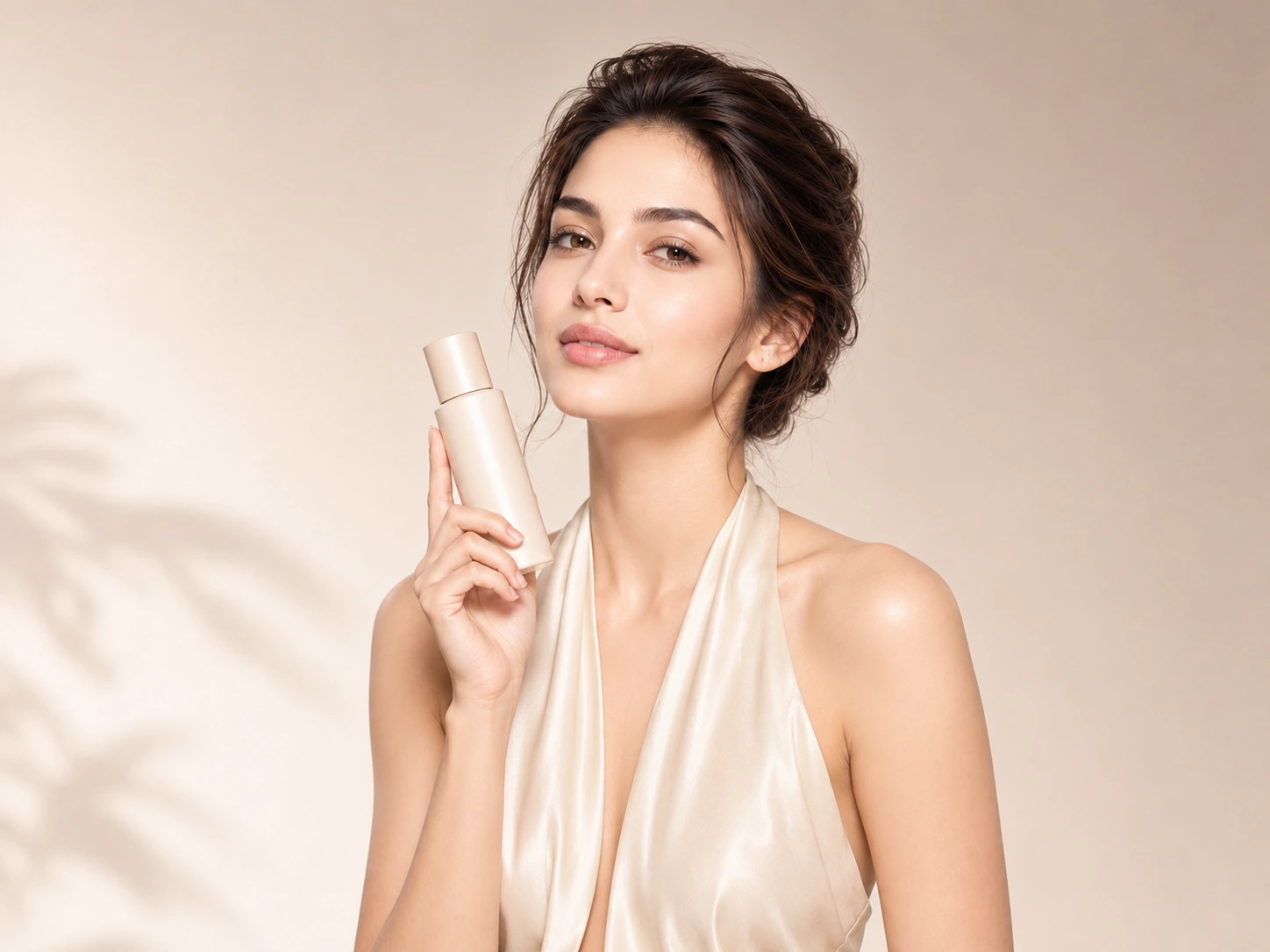
Turn a product photo into a short video for your next ad. Try a close-up, a slow reveal, or a different camera angle, then add the offer in your editor.
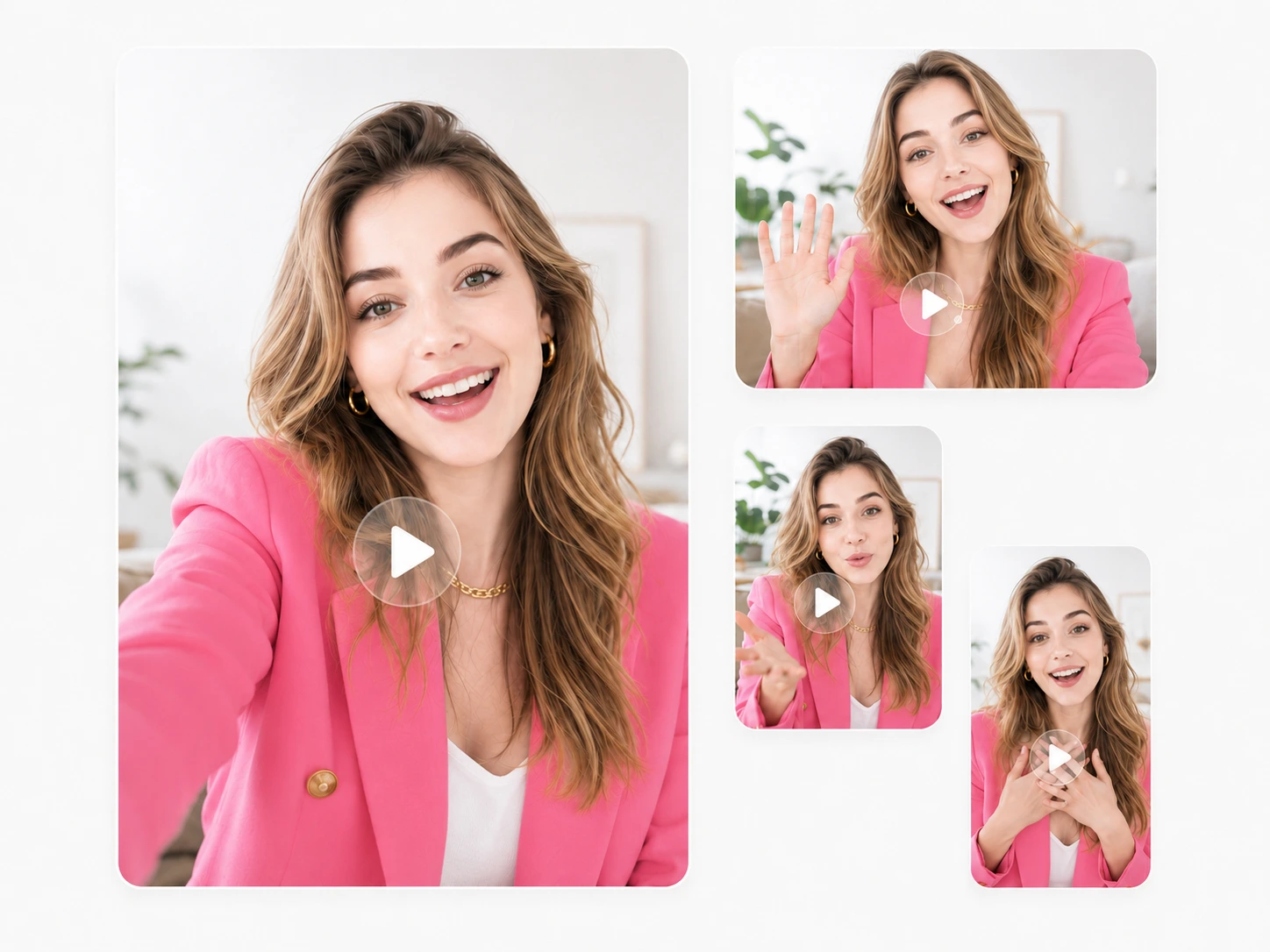
Start with a photo of someone holding or using your product. Describe a small gesture or camera movement. Check the person's face, hands, and the product before using the clip.
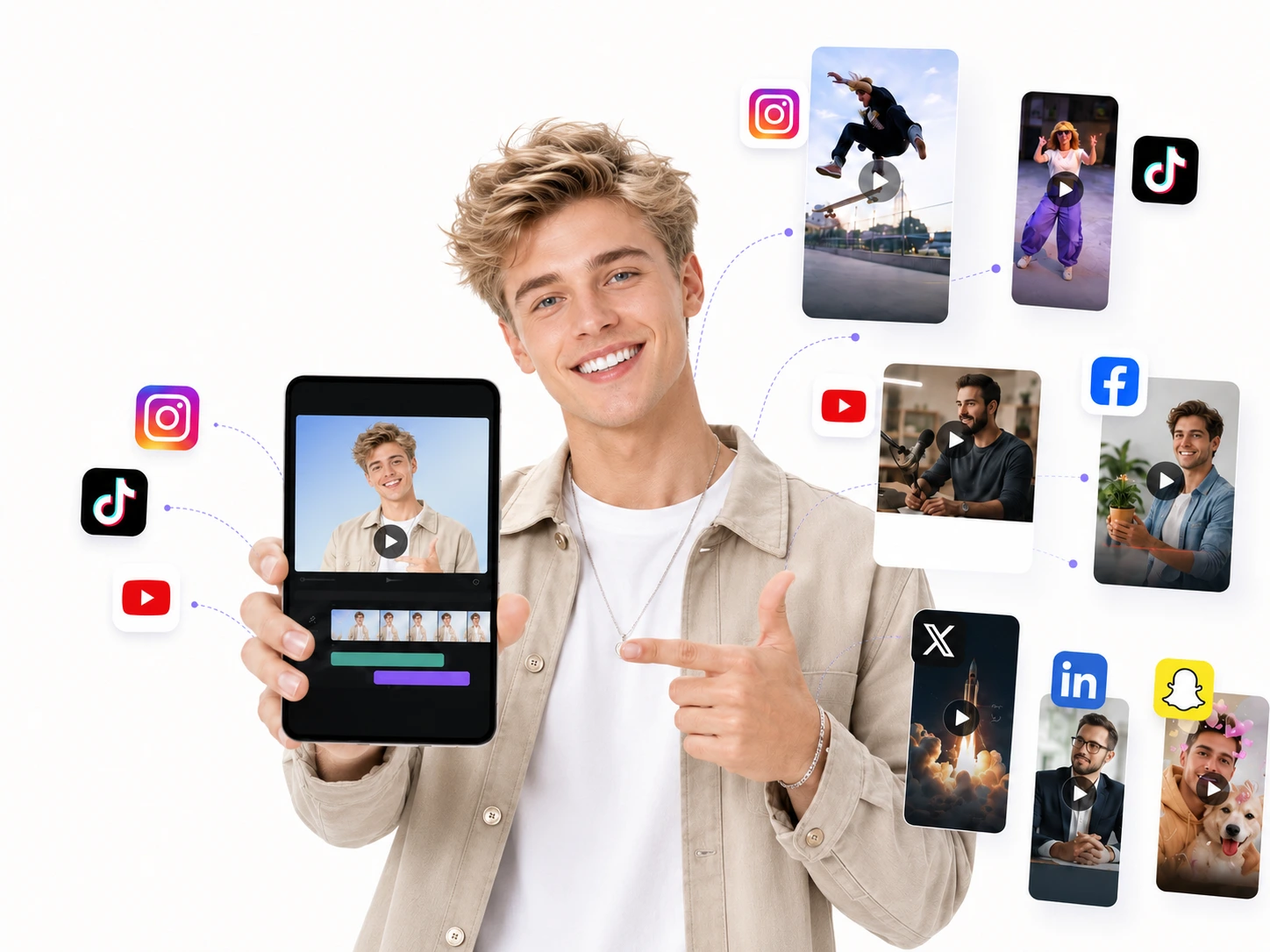
Animate a fashion or lifestyle photo in 9:16. Keep the product visible and leave room for captions. Preview the clip before adding it to a longer edit.
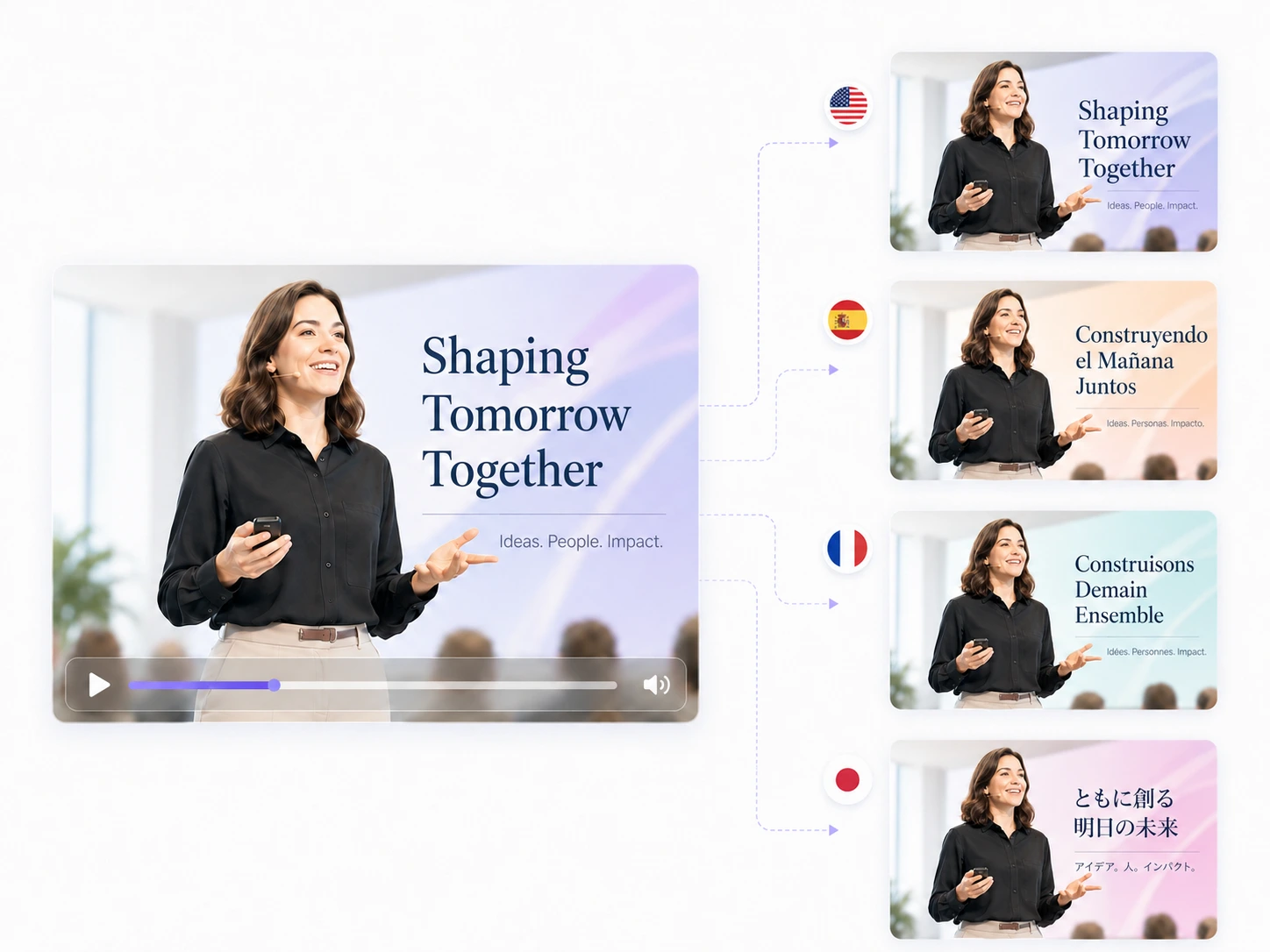
Reuse a product image and change the scene or opening for another audience. Add translated captions in your editor, and have someone fluent in the language check them before publishing.
Make a draft, compare a few versions, and edit the one you want to use.
Use a product photo to test a scene or opening shot. Share the draft with your team to decide what is worth filming or editing further.
Upload a product photo, choose a format, and generate a video draft. Rendering time depends on the model, settings, and how busy the service is.
Keep the product and message the same while changing the first shot. Generate each version separately, then choose the one that best fits your ad.
Describe the movement you want in an existing photo. A generated clip can help you explore an idea before deciding whether it needs a new shoot.
If a shot feels too slow or the product is hard to see, change that part of the prompt. Review the next result before making another change.
Keep a copy of a prompt you like, along with the model, ratio, and duration. Adapt it for another product, then check the new result carefully.
Go from a reference photo to a clip you can review and edit.
Say what the viewer should see and how the subject or camera should move. Start with one action.
Upload a clear product photo or another image you have permission to use. Choose the reference mode that fits your images.
Pick a model, aspect ratio, duration, and resolution. Check the credit estimate before you generate.
Check the motion, product details, and sound. Try another prompt if needed, then add captions and finish the video in your editor.
What to upload, how credits work, and what to check before sharing a video.
You can make short product clips and videos that look like someone filmed them for a social post. Start with a product close-up or a photo of someone holding the item. Add captions and your offer in a video editor.
Bring a clear product photo and a short description of the shot you want. Some models also support text-only prompts. The reference options change with the model you choose.
The generator on this page creates videos. You can use photos as references, but the output is a video clip. For a new still image, use an image-generation tool.
You can browse the examples without a plan. Generating a video requires credits. Sign in to check your balance and whether your account has any starter credits, then compare plans if you need more.
Try a short product reveal with one camera movement. Keep the background simple and the product easy to see. Once that works, try a different opening or a small gesture.
No editing experience is needed to generate a first clip. Upload a photo, describe the movement, and choose your settings. A video editor is useful for adding captions, arranging clips, or adjusting audio.
Common options include 9:16 for TikTok, Reels, and Shorts; 16:9 for landscape videos; and 1:1 for square posts. Check the ratio menu for the options available with your selected model.
This tool generates new clips from prompts and reference images. A video editor lets you work with footage you already have. You can use both: generate a shot here, then edit it into your finished ad.
You can try prompts in your audience's language. Check any generated speech and on-screen text carefully. For captions and offers, add a reviewed translation in your editor; language accuracy can vary by model.
That depends on your credit balance and the cost of each clip. Model, duration, resolution, and reference inputs can affect the estimate. Check the displayed cost before each generation.
Check the terms for your plan and the selected model before using a video commercially. You also need the right to use your uploaded images. Review the downloaded clip for watermarks, product accuracy, and the ad platform's requirements.
Use a clear photo and describe one specific movement. If the product changes shape or a face looks wrong, reduce the movement and try a shorter clip. Change one part of the prompt at a time so you can tell what helped.