Frame to video

Seedance Image to Video

Turn a photo into a short clip with Seedance image to video. Upload your photo, describe how the subject or camera should move, and choose a model, length, and resolution.

Seedance image to video examples

See how eight reference images became 5-second clips with Seedance 2.0 Mini. Each example includes the image, prompt, and settings. Choose Try this prompt to load them into the generator.

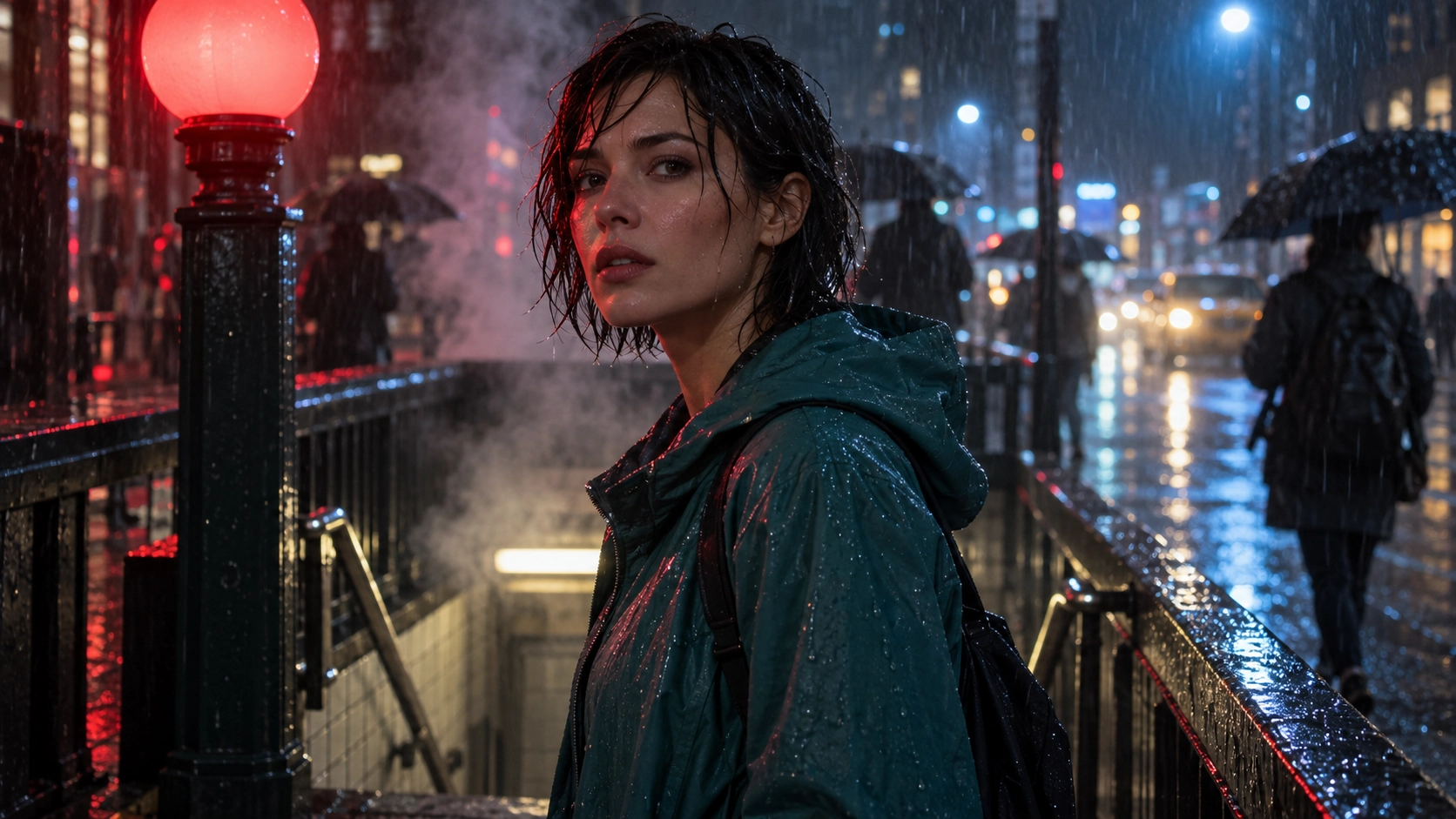
Neon Rain Portrait — Reference image Reference image
PeopleOmni Reference

Neon Rain Portrait

Try with: Seedance 2.0 Mini · 16:9 · 5s · 720p

Animate this single reference image for exactly 5 seconds. The woman slowly turns her face toward the camera and blinks naturally while rain falls, steam drifts and her hair moves gently. Slow camera push-in; preserve identity and anatomy. No cuts, added text or extra characters.
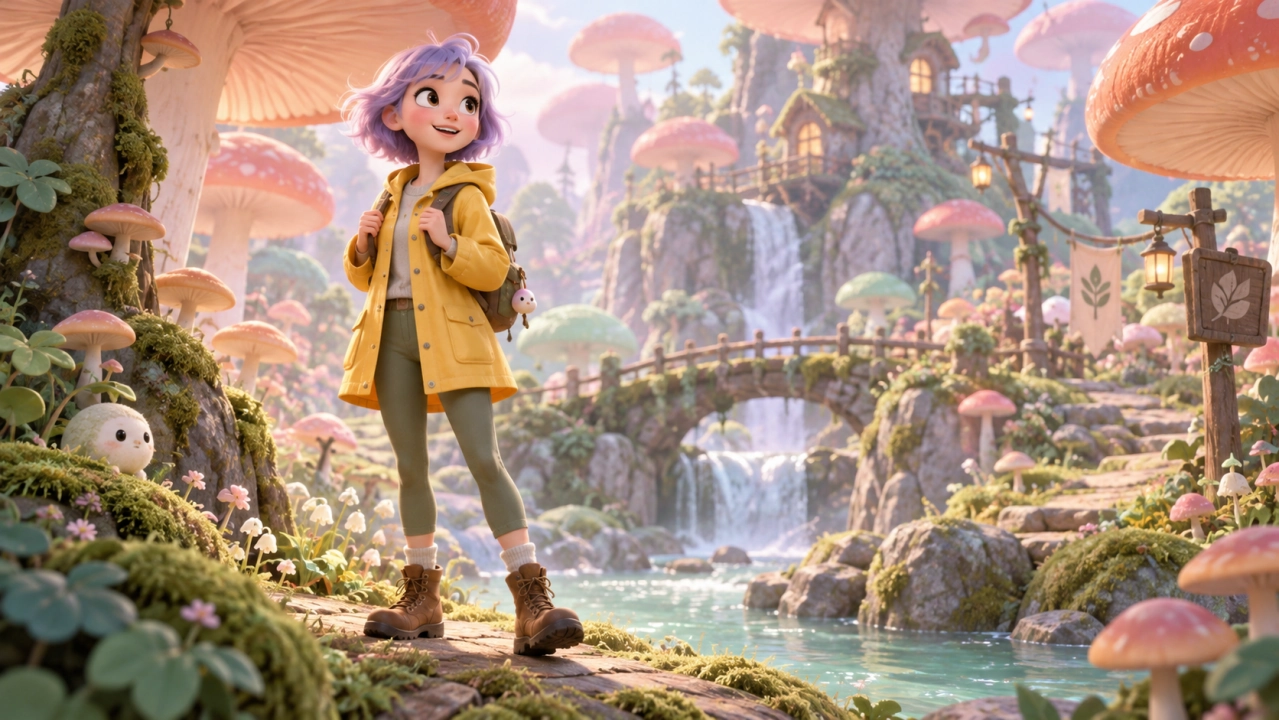
A Little Animated Adventure — Reference image Reference image
AnimationOmni Reference

A Little Animated Adventure

Try with: Seedance 2.0 Mini · 16:9 · 5s · 720p

Animate this single reference image for exactly 5 seconds. The animated adventurer smiles and waves one hand while taking a small cheerful step. The mushrooms gently sway. Preserve the polished 3D cartoon style, character appearance and coherent limbs. Gentle camera slide. No cuts, added text or extra characters.
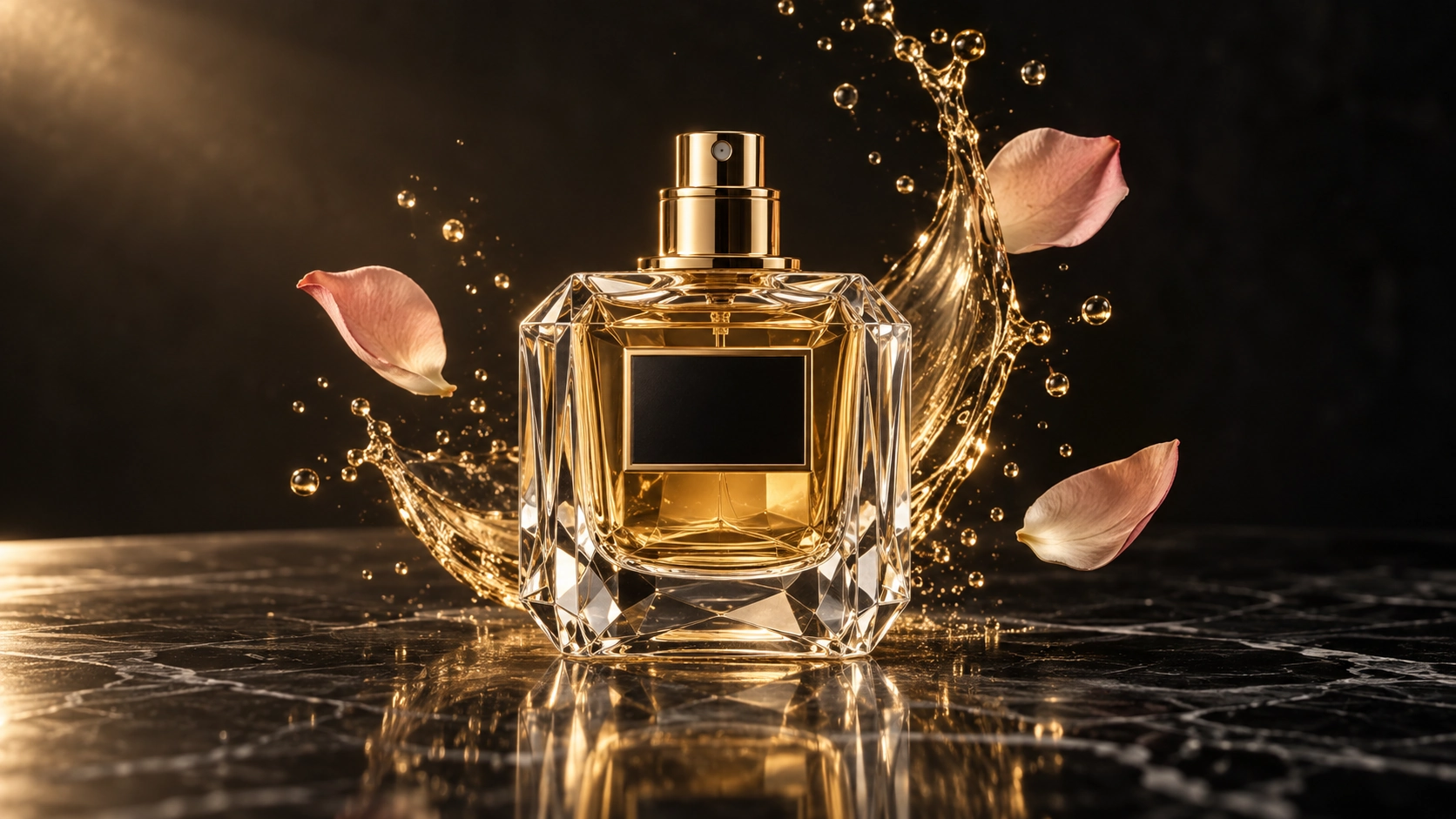
Crystal Perfume Splash — Reference image Reference image
ProductOmni Reference

Crystal Perfume Splash

Try with: Seedance 2.0 Mini · 16:9 · 5s · 720p

Animate the reference image into a 5-second luxury perfume spot. Slowly push the camera toward the crystal bottle as the golden liquid arcs behind it and droplets fall in slow motion. Let the three rose petals drift gently. Preserve the exact bottle, cap, reflections and product proportions. One continuous shot, no cuts, no text or added branding.

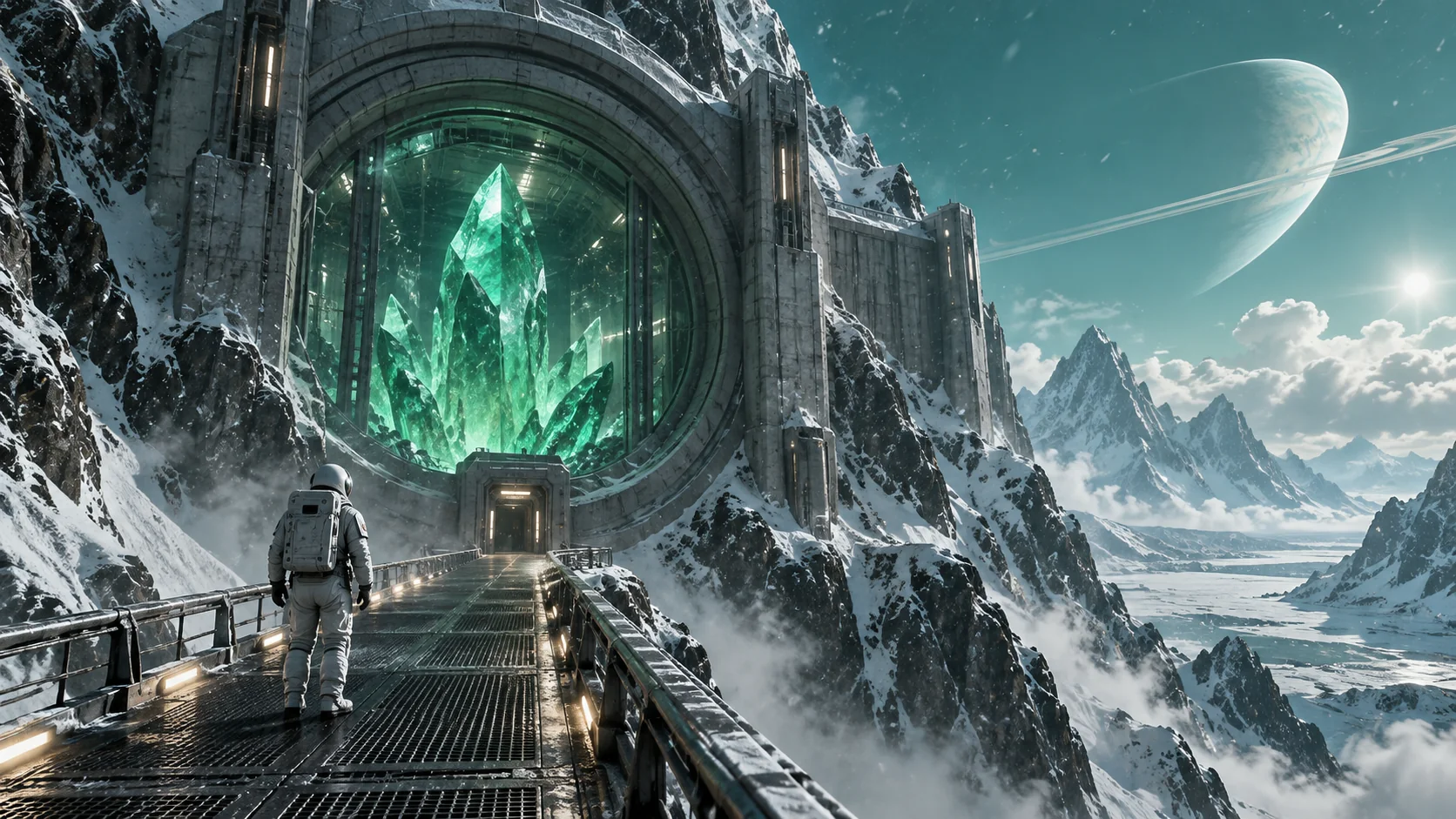
The Crystal Outpost — Reference image Reference image
Sci-FiOmni Reference

The Crystal Outpost

Try with: Seedance 2.0 Mini · 16:9 · 5s · 720p

Animate this single reference image for exactly 5 seconds. The astronaut takes one slow step toward the vault as snow drifts sideways and the emerald crystal pulses softly. The camera slowly pushes forward, keeping the astronaut, walkway and vault stable. One continuous science-fiction shot. No cuts, added text or extra characters.
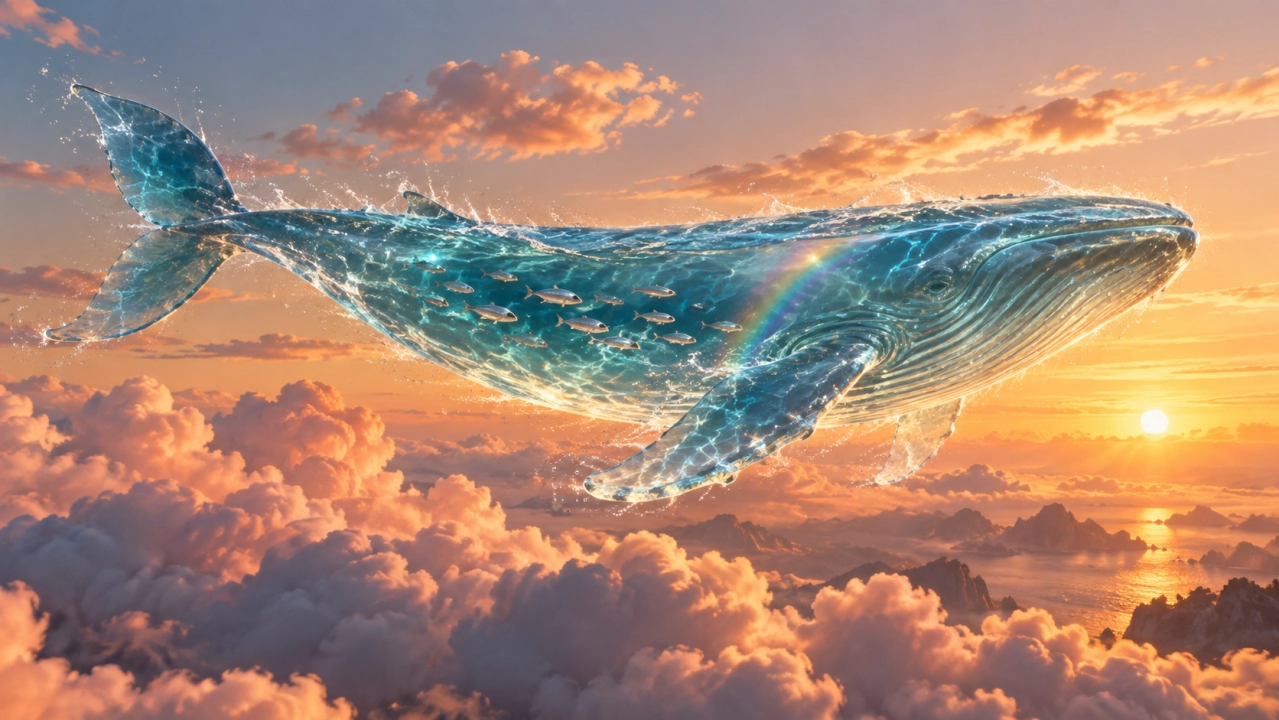
Whale Above the Clouds — Reference image Reference image
FantasyOmni Reference

Whale Above the Clouds

Try with: Seedance 2.0 Mini · 16:9 · 5s · 720p

Animate the reference image into a 5-second continuous cinematic shot. The translucent seawater whale glides slowly forward, its tail gently undulates, small fish move inside its body and sunlit clouds drift past below. Track alongside the whale with subtle parallax and stable lighting. Keep its body, fins and silhouette intact. No cuts, text or new subjects.

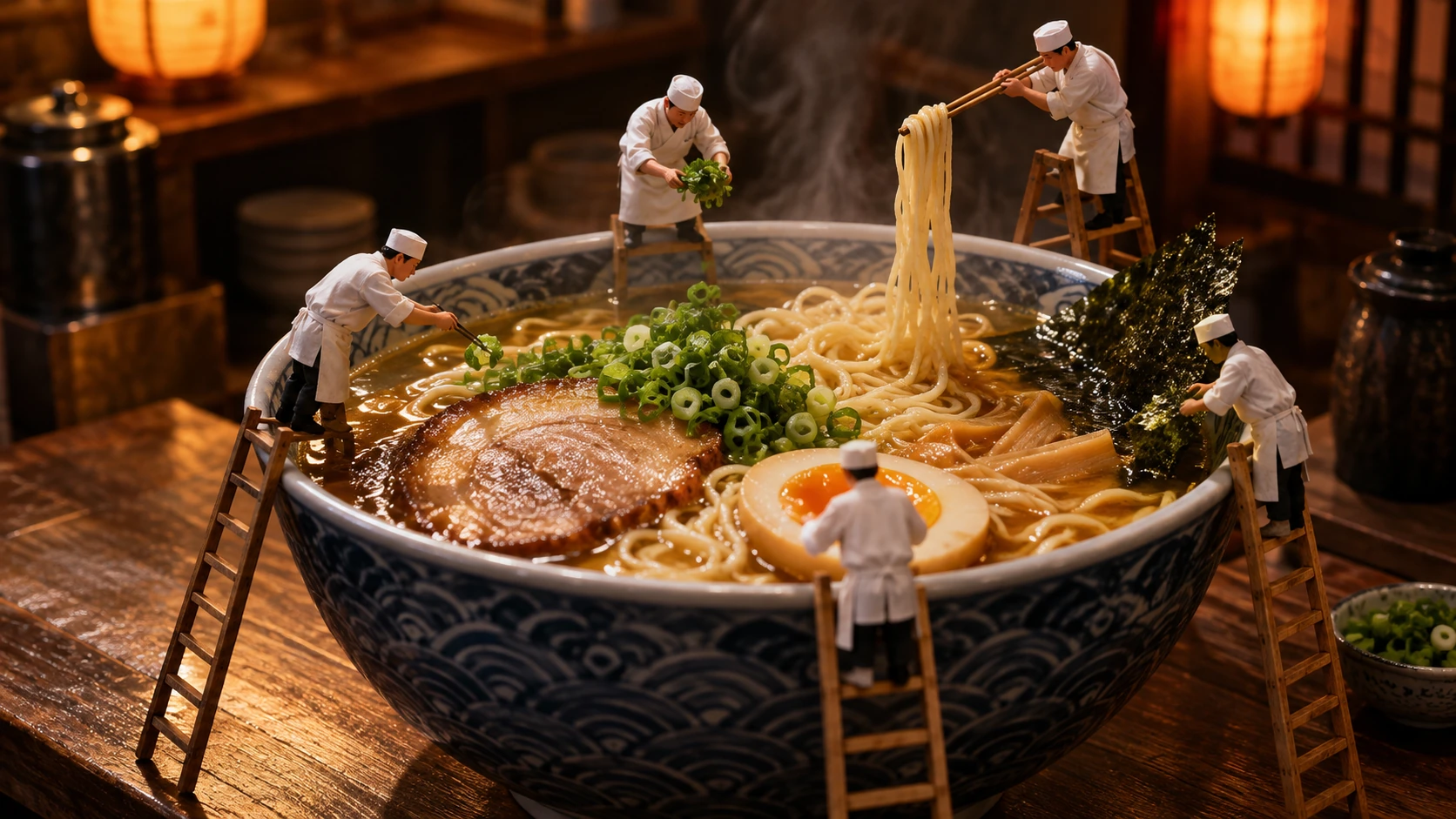
Tiny Chefs, Giant Noodles — Reference image Reference image
MiniatureOmni Reference

Tiny Chefs, Giant Noodles

Try with: Seedance 2.0 Mini · 16:9 · 5s · 720p

Animate the reference image for 5 seconds. The tiny chefs slowly lift a noodle together, one chef sets a scallion on the bowl edge, and delicate steam rises from the ramen. Use a gentle macro camera slide with realistic shallow depth of field. Preserve the bowl, ingredients and all five chefs without adding figures. One continuous shot, no text.

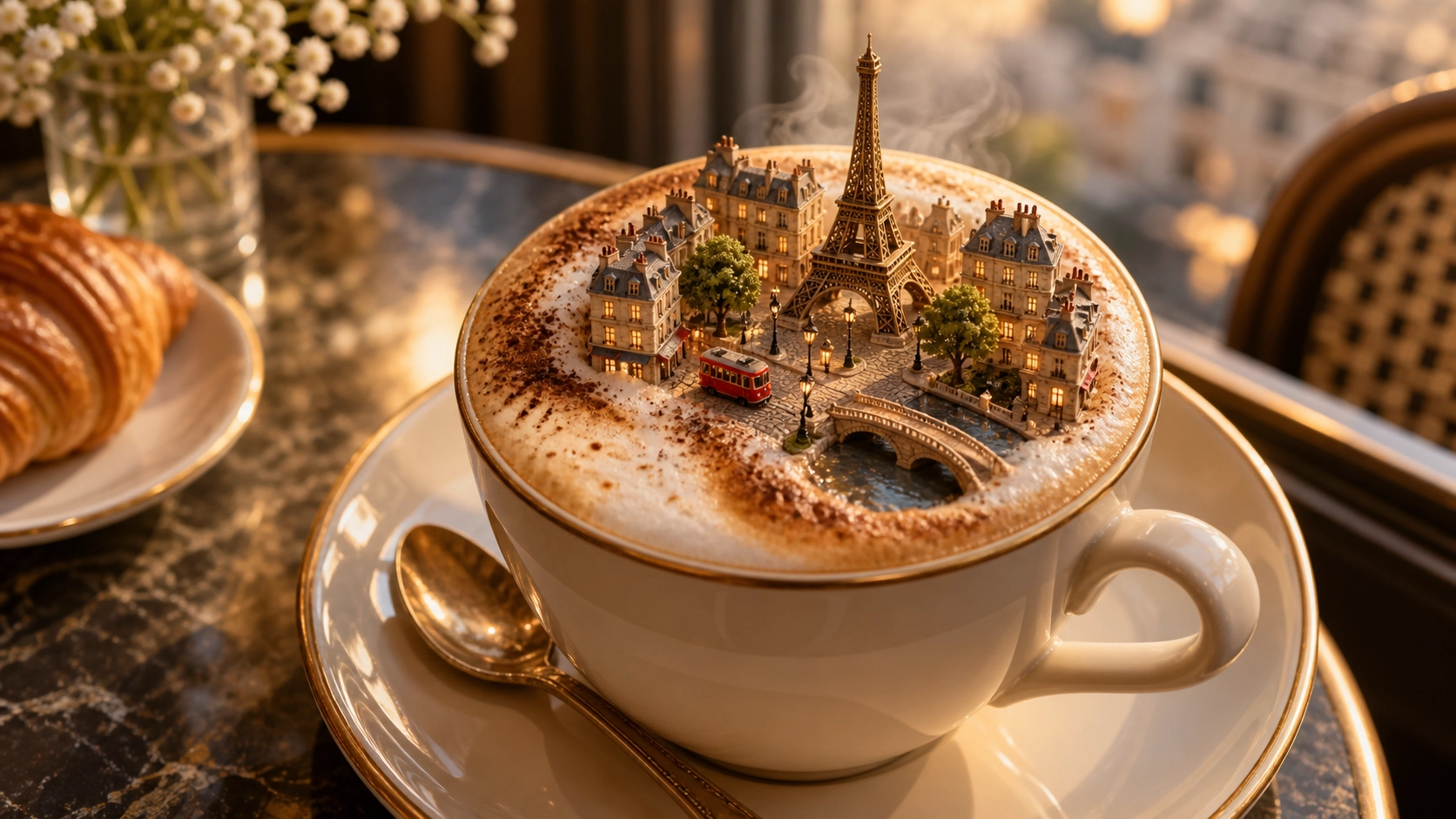
A City in Your Coffee — Reference image Reference image
SurrealOmni Reference

A City in Your Coffee

Try with: Seedance 2.0 Mini · 16:9 · 5s · 720p

Animate the reference into a 5-second macro shot. The tiny red tram moves slowly along its street while a thin curl of steam rises past the miniature tower and the coffee surface shimmers slightly. Use a slow camera push-in. Preserve the cup shape, tower and city layout. No scene changes, labels or new buildings.

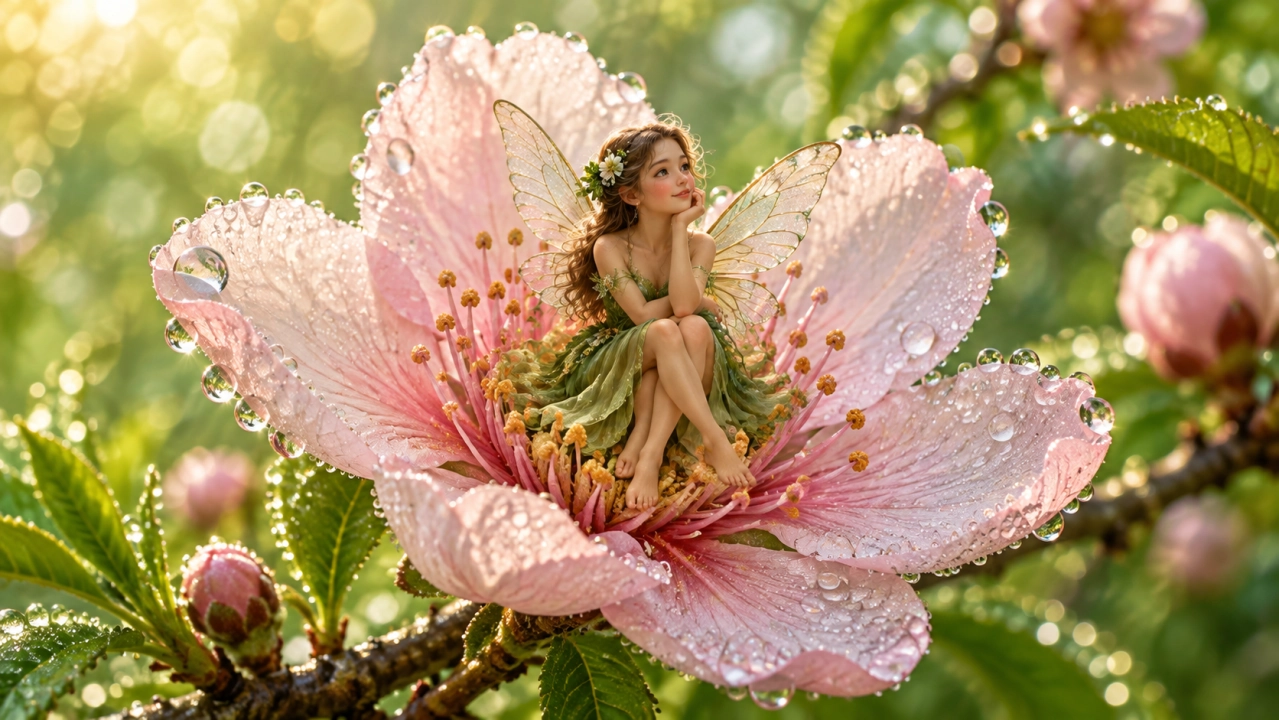
A Fairy Wakes at Dawn — Reference image Reference image
Fantasy ArtOmni Reference

A Fairy Wakes at Dawn

Try with: Seedance 2.0 Mini · 16:9 · 5s · 720p

Animate this single reference image for exactly 5 seconds. The fairy gently opens her translucent wings and lifts her face toward the morning light. The flower sways slightly, dew sparkles and a few pollen particles drift. Preserve the illustrated style and character anatomy. Slow macro push-in. No cuts, added text or extra characters.
Compare models and credit costs

Compare the available models, resolutions, and credit costs below. Longer clips and higher resolutions can cost more. Check the estimate before generating.

Compare models and credit costs
ModelInput modesClip durationResolutionAudio4s at 480p, images only
Seedance 2.0Omni Reference, First & Last Frame, Text to Video15s, 10s, 5s, 4s720p, 1080p, 480p, 4kNo separate audio switch32 credits
Seedance 2.0 MiniOmni Reference, First & Last Frame, Text to Video15s, 10s, 5s, 4s720p, 480pNo separate audio switch12 credits
Seedance 1.5 ProImage Reference, Text to Video8s, 12s, 10s, 6s, 4s720p, 1080p, 480pAudio enabled8 credits

If you don't have a paid plan, the generator starts with Seedance 1.5 Pro at 480p for 4s. You can change these settings. Loading an example uses that example's settings instead.

Seedance image to video runs on credits. Monthly plans start at $19.00 and include 300 credits. Check your balance before you generate.

See plans and included credits

Direct the motion in your image

Start your Seedance image to video project with a clear photo and one simple movement. Watch the first result before adding more action or changing the camera angle.

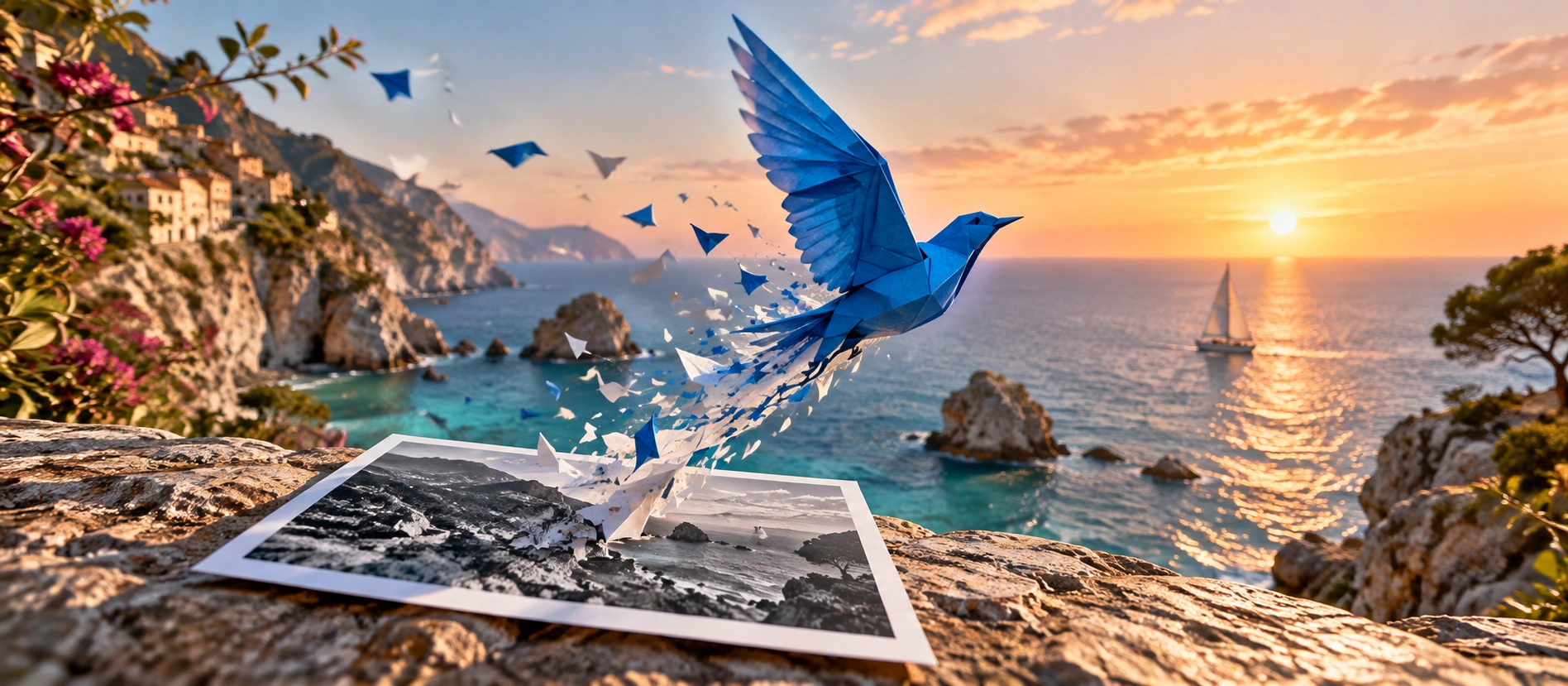
A blue paper bird moving from a monochrome photograph into a vivid coastal sunset

Keep the subject recognizable

For better Seedance image to video results, use a sharp photo with a clear view of the subject. Say what should move and what should stay still. For a product shot, try a slow camera push-in while the product stays in place.

Faces, hands, logos, and small text can change as the image moves. Check them in the preview. If details look wrong, try less movement or a shorter clip.

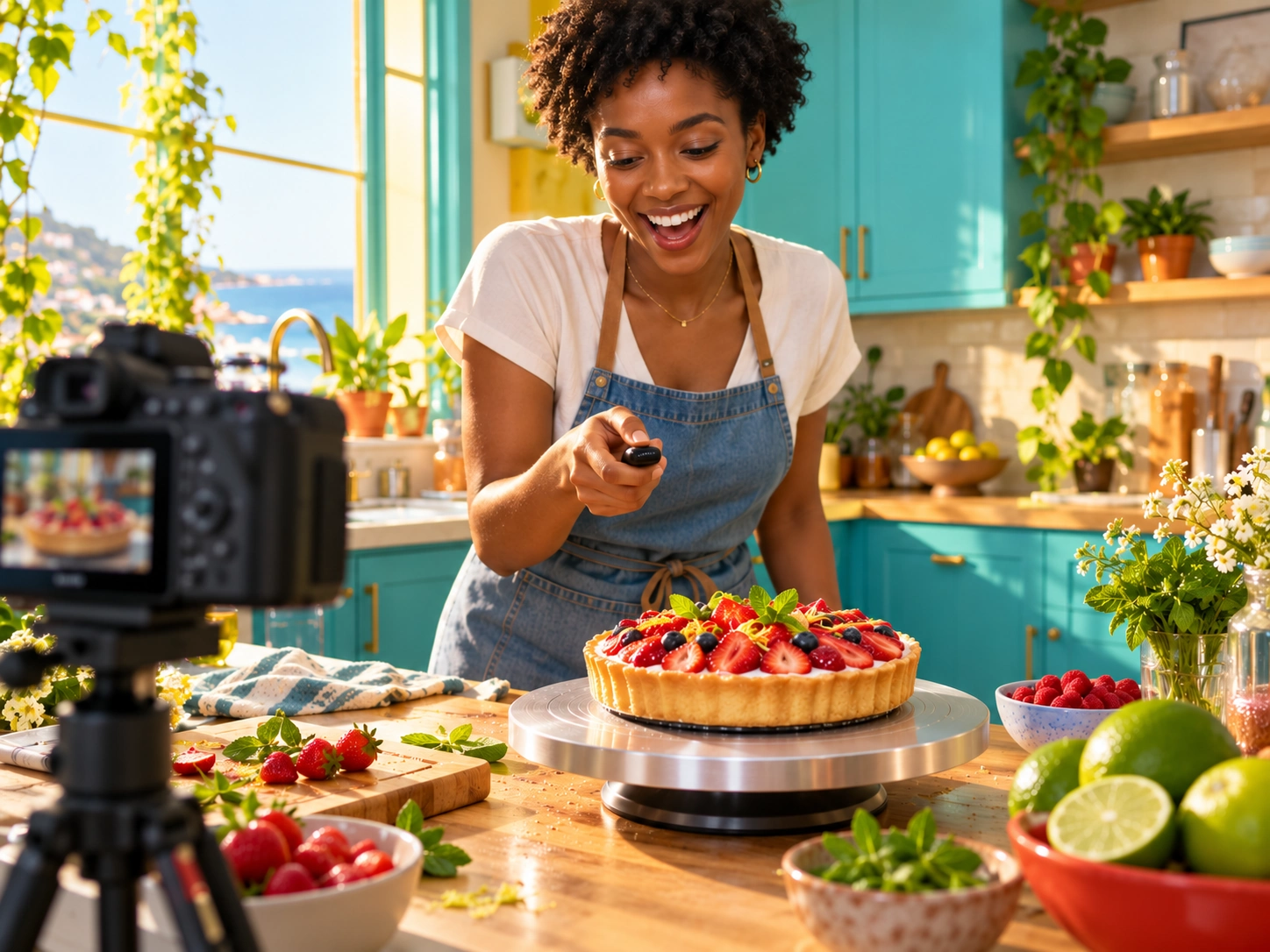
Plan a creator-style social ad
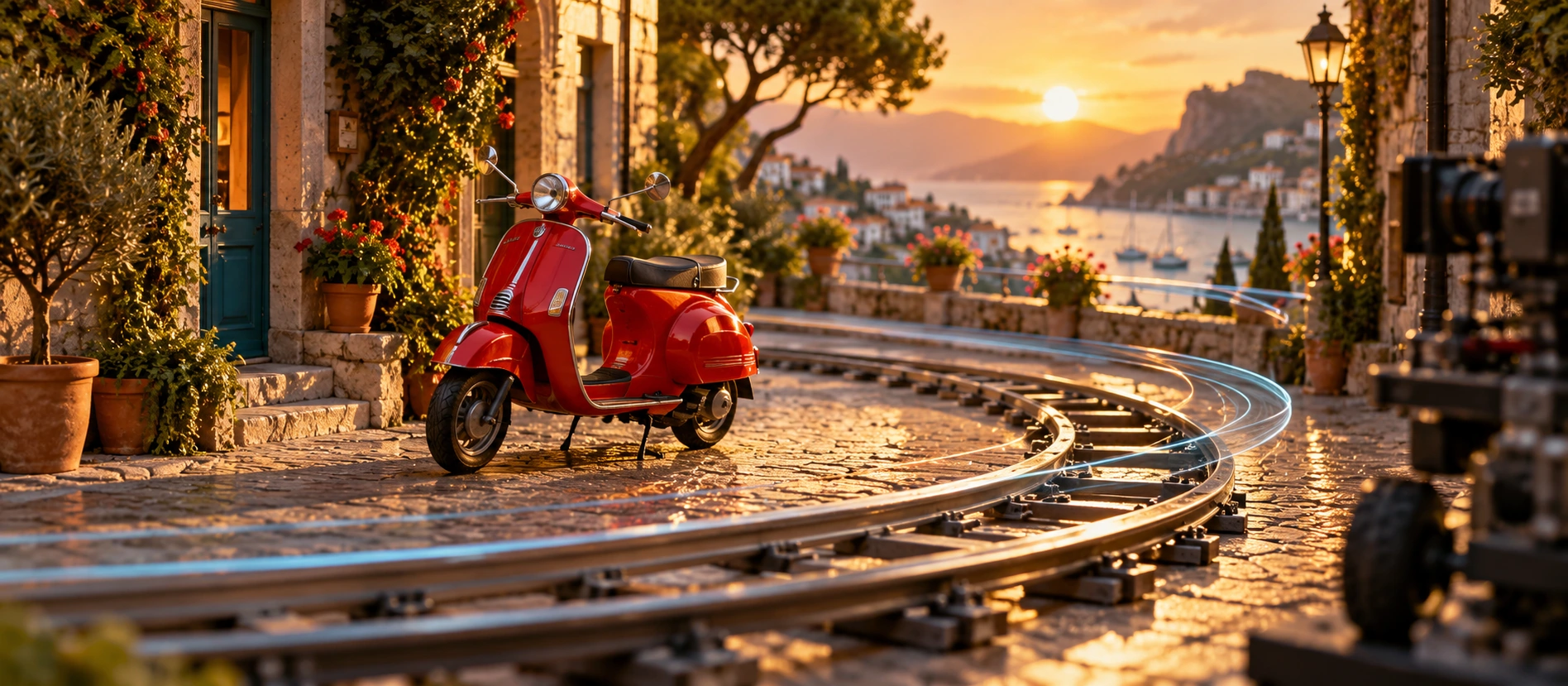
A red scooter following a cinematic camera path through a bright coastal village

Choose one camera movement

A push-in moves closer to the subject, a pan turns the camera, and a tracking shot follows the action. Choose one for your first clip.

Your Seedance image to video prompt guides the movement, but it cannot set an exact camera path. Need the shot to end on a specific image? Choose a model with First & Last Frame mode and upload both images.

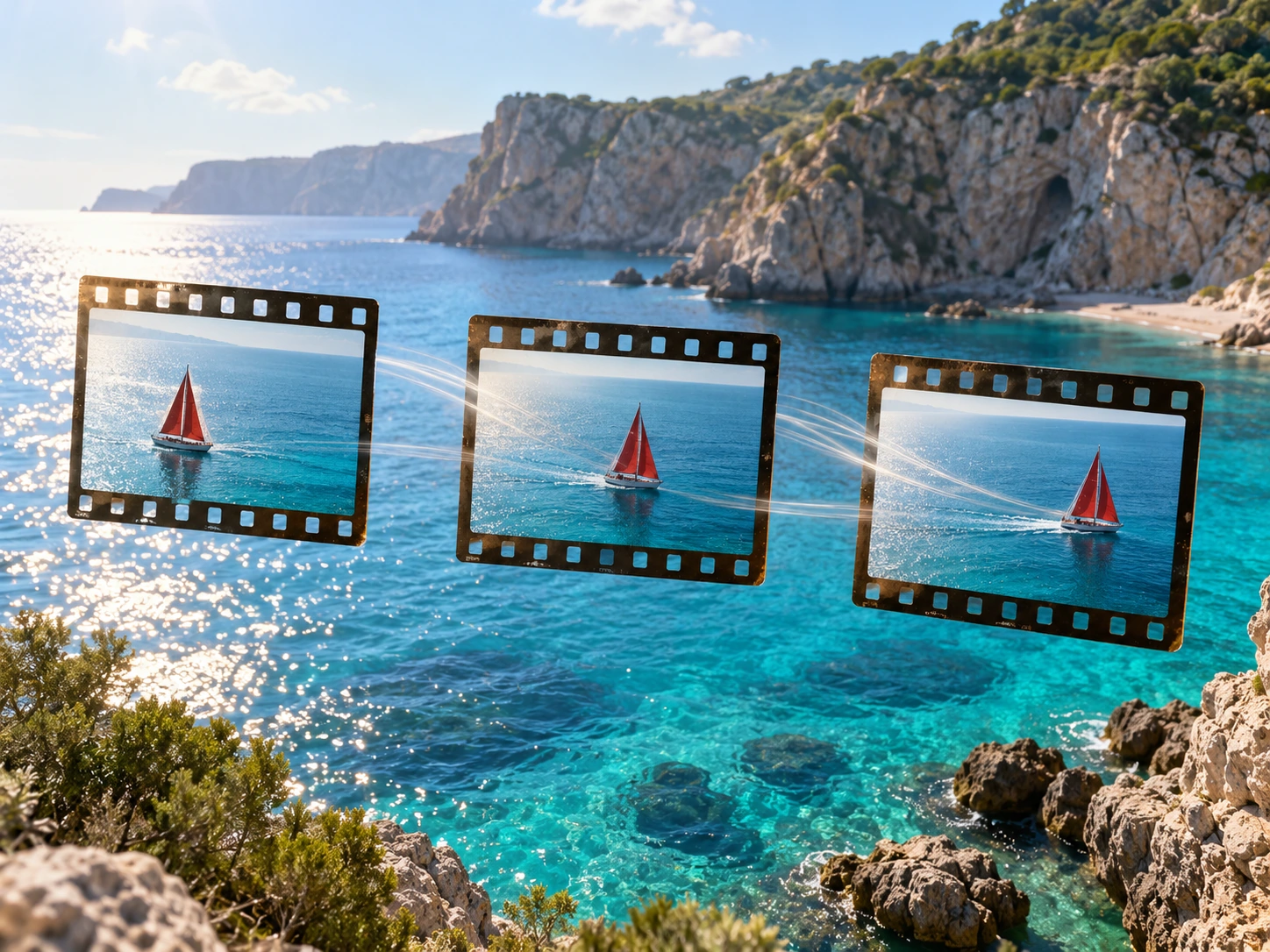
Use first and last frame guidance
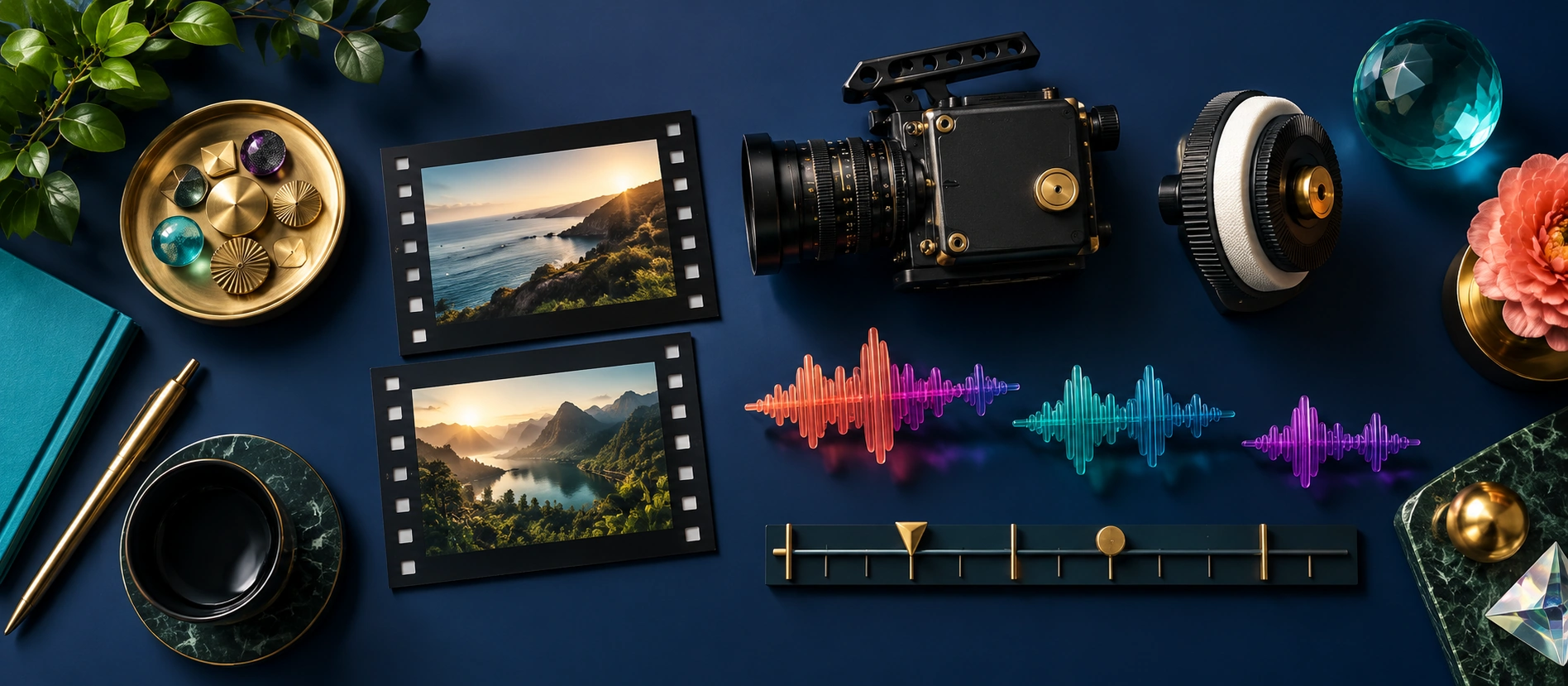
Camera, audio, timing, and creative controls arranged on a studio table

Check sound support before generating

Seedance 1.5 Pro is set to generate audio with each clip. If you choose a different model, check its audio options in the table above.

Describe the sound you want, then listen to the preview. Speech and sound effects may need editing to match the action.

Compare model settings and credits
Social media content prepared for sharing across platforms

Choose a size for your video

Before you generate with Seedance image to video, choose 9:16 for vertical videos, 16:9 for landscape videos, or 1:1 for square posts. Select the ratio in the controls, even if it is already in your prompt.

Use a photo with a similar shape to your finished video. Changing the ratio may crop the image or add new areas, so leave some space around faces, products, and text.

Start a vertical video draft

How to use Seedance image to video

Choose your images and settings, generate a clip, then check the result.

  1. 1

    Choose the model and reference mode

    For a single photo, start with Image Reference on 1.5 Pro or Omni Reference on 2.0. First & Last Frame mode needs both the opening and closing image.

  2. 2

    Upload and describe one movement

    In your Seedance image to video prompt, describe the camera direction, speed, and details that should stay still. Try one action before combining several movements.

  3. 3

    Set format and check the estimate

    Choose the aspect ratio, length, and resolution. Check the credit estimate before generating. A short clip is a good way to test a new photo.

  4. 4

    Review before exporting

    Watch for changes to faces, hands, and product details, and listen to the audio. Adjust your prompt if needed. Add captions and finish the edit in your video editor.

Seedance image to video FAQ

Practical details about references, credits, and generated results.

View plansRead service terms

Which Seedance model should I start with?

New to Seedance image to video? Try 1.5 Pro with a single reference photo. Choose 2.0 or 2.0 Mini if you need Omni Reference or First & Last Frame mode. The model table shows the available resolutions and credit costs.

Is Seedance image to video free to use?

You'll need credits to generate a video. Sign in to see your balance and whether your account has any starter credits. You can compare paid plans on the pricing page.

How many photos do I need for Seedance image to video?

One photo is enough for an image reference. For First & Last Frame mode, upload two: one for the opening and one for the ending. The model generates the movement between them.

Can Seedance image to video preserve faces, logos, and text?

Not always. Faces, hands, small text, and product shapes can change during motion. Use a clear photo, keep the movement simple, and check the result before publishing.

Does Seedance image to video include sound?

Seedance 1.5 Pro is set to generate audio with each clip. Sound options vary by model. Describe what you want to hear, then listen to the result; speech or sound effects may need editing.

How long does Seedance image to video take?

The wait depends on the model, video settings, and how busy the service is. Check your task's status in your account to see when the video is ready.

Can I use these videos in ads, and will they have a watermark?

Check the terms for your plan and model before using a video in an ad. You also need permission to use the images you upload. Watermarks can vary by model or account, so check the downloaded video before publishing.

Will a template reproduce the demonstration video?

You may get a different result. Each example was made with Seedance 2.0 Mini using one image and a 5-second clip setting. Click Try this prompt to load the same image, prompt, and settings. New results can vary.

What would you like to make next?

Use Frame to video to connect two photos with a video, or try a short product ad.